We’ve all been there: a shiny new computer monitor takes its place on your desk, leaving its predecessor to gather dust in a corner or closet. That “old computer monitor” might seem like just another piece of outdated tech, but before you relegate it to landfill or forget about it entirely, consider this: many of these older screens still have plenty of life left, offering surprising utility and even a touch of nostalgia. Here at Sbinj.com, we believe in maximizing the value of your tech, and that includes giving your old monitors a second chance.
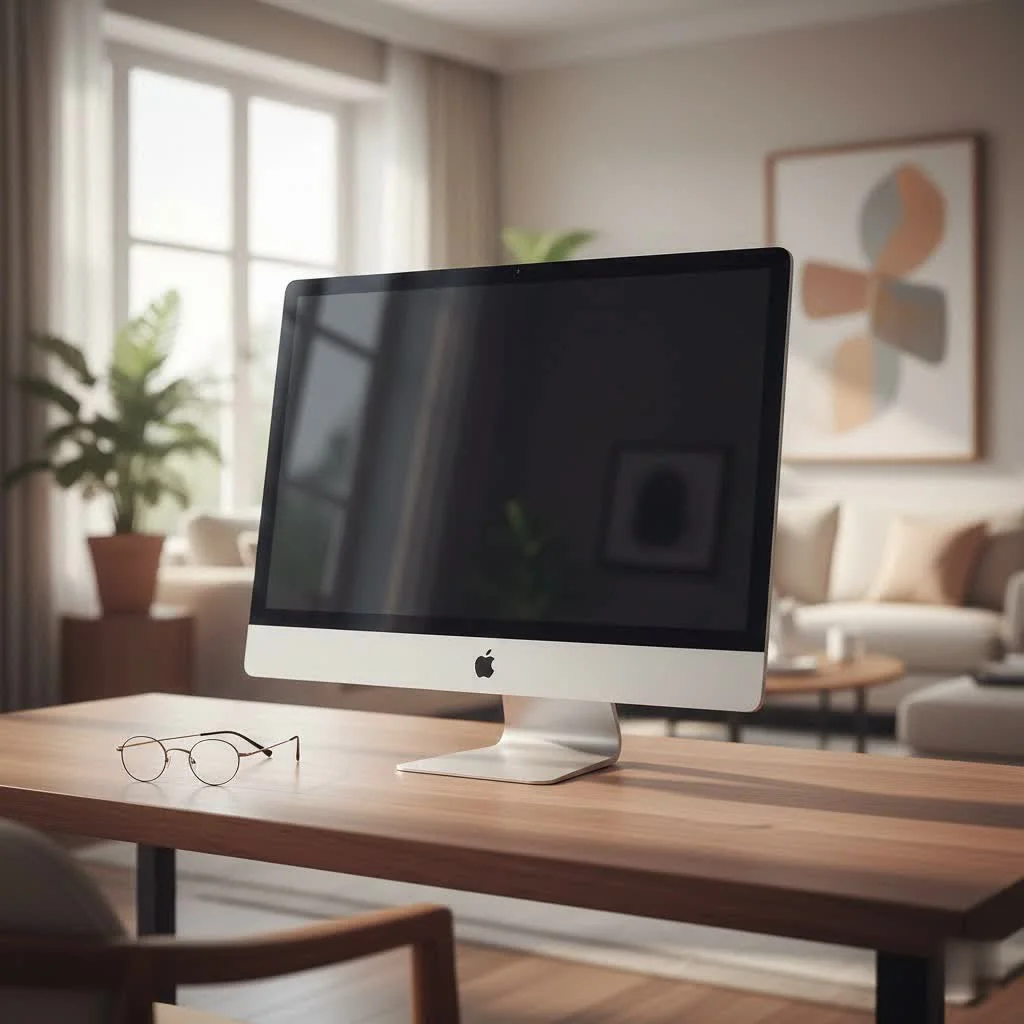
Don’t Toss It Yet! Creative Ways to Repurpose Your Old Monitor
Throwing away an old computer monitor often feels like a waste, and rightly so. Many monitors, even those a decade old, can be repurposed in clever ways, transforming them from electronic clutter into valuable assets. For expert computer monitor reviews on this site.
Expand Your Workspace: The Second Screen Advantage
One of the most straightforward and beneficial uses for an old computer monitor is to integrate it into a multi-monitor setup. If your primary monitor is relatively new, adding an old screen as a secondary display can significantly boost your productivity without breaking the bank. It’s like gaining extra desktop real estate for minimal effort. You can keep your email open, reference documents, or manage your communication apps on the older display while your main screen handles your primary tasks. This dual-monitor strategy can be a game-changer for anyone who juggles multiple applications throughout their day.
Relive the Golden Age: Retro Gaming with CRTs
For the true gaming enthusiast, an old CRT (Cathode Ray Tube) computer monitor isn’t just old tech; it’s a gateway to authentic retro gaming. Modern LCDs and OLEDs, with their crisp, high-resolution displays, simply can’t replicate the unique visual characteristics of classic games designed for CRT technology. These vintage monitors offer virtually zero input lag and a visual softness that naturally anti-aliases pixel art, making old arcade games, 8-bit, and 16-bit console titles look exactly as they were intended. Setting up an old computer monitor for a dedicated retro gaming station provides an immersive, nostalgic experience that modern screens just can’t match.
Smart Home, Smart Display: Beyond the Desktop
Think beyond the traditional desktop. An old computer monitor, especially when paired with an inexpensive hobbyist PC like a Raspberry Pi, can become the brain and face of various smart home projects. Imagine a personalized smart home dashboard displaying weather, calendars, news feeds, or security camera footage in your kitchen or living room. It can also serve as a dedicated display for recipes, a digital photo frame, or even a mini media center. The low power consumption of these small computers makes repurposing an old monitor for such applications incredibly practical and environmentally friendly.
DIY Projects and Media Hubs
|
Our Picks for the Best Computer Monitor in 2026
As an Amazon Associate I earn from qualifying purchases.
|
||
| Num | Product | Action |
|---|---|---|
| 1 | Amazon Basics 24 Inch (23.8 inch viewable) Monitor, FHD 1080P, Max 100Hz, VESA Compatible, Built-in Speakers, Black |

|
| 2 | Samsung 32-Inch Flat Computer Monitor, 75Hz, Borderless Display, AMD FreeSync, Game Mode, Advanced Eye Care, HDMI and DisplayPort, LS32B304NWNXGO, 2024 |
|
| 3 | Samsung 24” (S40GD) Borderless Business Monitor with IPS Panel, 100Hz Refresh Rate, Eye Saver Mode, Ergonomic Design, Game Picture Mode, LS24D402GANXGO, 3 Yr Warranty |
|
| 4 | LG HDMI(2), DP, RS232C in/Out, RJ45 in,IR I |
|
| 5 | Philips 221V8LB 22 inch Class Thin Full HD (1920 x 1080) Monitor, 100Hz Refresh Rate, VESA, HDMI x1, VGA x1, LowBlue Mode, Adaptive Sync, 4 Year Advance Replacement Warranty |
|
| 6 | Philips New 27-inch Class Thin Full HD (1920 x 1080) 100Hz Monitor, VESA, HDMI x 1, VGA Port x1, Eye Care, 4 Year Advance Replacement Warranty, 271V8LB, Black |
|
| 7 | MAFNKOU Portable Monitor Touchscreen 14” 1920 * 1200P Gaming Display,Built-in Stand Speakers HDR IPS External Monitor for Laptop Portable,Travel Monitors for Laptop Mac PC Phone PS4/5 Xbox Switch |
|
| 8 | acer 27 Inch Monitor- KB272-27 Inch FHD IPS (1920 x 1080) Display, Up to 120Hz Refresh Rate, 99% sRGB, Tilt, Adaptive-Sync Support (FreeSync Compatible) 1ms (VRB), HDMI & VGA Ports |
|
| 9 | Samsung 27\\\" S3 (S32GF) FHD High Resolution 120Hz Monitor with IPS Panel, Flicker Free, Eye Saver Mode, LS27F320GANXZA, 2025 |
|
| 10 | Samsung 27\\\" Essential S3 (S36GD) Series FHD 1800R Curved Computer Monitor, 100Hz, Game Mode, Advanced Eye Comfort, HDMI and D-sub Ports, LS27D366GANXZA, 2024 |
|
With a bit of creativity, an old monitor can transform into much more. Attach a streaming stick or smart box, and your old computer monitor becomes a compact television for a bedroom, kitchen, or workshop. For content creators, an old monitor can even be converted into a lightbox, providing excellent diffused lighting for product photography or video calls after a careful modification process. Some tech-savvy enthusiasts have even turned them into “secret monitors” (visible only with polarized glasses) or interactive smart mirrors. The possibilities are surprisingly vast for an old computer monitor.
The Practicalities: Connecting Old Monitors to Modern PCs
One of the most common hurdles when trying to reuse an old computer monitor is connectivity. As technology evolves, so do the ports.
Understanding the Port Puzzle: VGA, DVI, HDMI, DisplayPort
Older monitors typically feature analog VGA ports (often blue and trapezoidal) or digital DVI ports (usually off-white and rectangular). Modern computers and graphics cards, however, primarily use HDMI or DisplayPort connections. This mismatch can seem daunting, but it’s easily overcome. While VGA transmits an analog signal, DVI (specifically DVI-D) handles digital signals, making conversion easier. Understanding these basic port types is the first step in bridging the gap.
Adapter Essentials: Bridging the Connectivity Gap
The key to connecting an old computer monitor to a new PC lies in adapters. For DVI to HDMI or DisplayPort, a simple, relatively inexpensive passive adapter cable will usually do the trick, as both are digital signals. However, if your old monitor uses a VGA port, you’ll need an active adapter. These adapters contain a chip that converts the modern digital signal from your PC into an analog signal that your VGA monitor can understand. It’s crucial to ensure you get the right adapter (e.g., HDMI to VGA, not VGA to HDMI, if connecting a modern PC to an old monitor) to ensure compatibility. This small investment can save you the cost of a new display.
Old vs. New: A Quick Look at the Differences
While old monitors offer repurposing potential, it’s also important to acknowledge where they stand compared to today’s technology. Modern monitors boast thinner designs, significantly lower energy consumption, and higher resolutions (Full HD, 4K, even 8K), delivering sharper images and vibrant colors. Features like HDR, adaptive sync (G-Sync, FreeSync), and lightning-fast refresh rates (144Hz+) are standard, enhancing everything from professional graphics work to competitive gaming.
However, an old computer monitor, particularly a CRT, might surprisingly outperform some entry-level modern displays in specific niche areas, especially when it comes to refresh rates or true black levels. For general use, a new monitor will always provide a superior experience in terms of clarity, color accuracy, and feature set. The choice often comes down to your specific needs and how much you value those modern advancements versus the utility of an already-owned old computer monitor.
Giving Back or Getting a Buck: Selling and Donating Old Monitors
If repurposing isn’t an option, an old computer monitor can still hold value.
Unlocking the Resale Value: What Your Old Monitor is Worth
The resale value of an old computer monitor varies greatly depending on its type, brand, size, age, and condition. A working LCD or LED monitor, especially one that’s 24 inches or larger with modern connectivity like HDMI, might fetch anywhere from $40 to $150. For instance, a Dell LED monitor in good condition can retain decent value. Older, smaller, or lower-resolution LCDs typically command lower prices.
However, certain vintage CRT monitors, particularly high-end models or those favored by retro gaming communities (like Sony Trinitrons), can surprise you, sometimes selling for $100 to $250 or even more to collectors. A generic CRT, on the other hand, might only be worth a few dollars. Always research current market prices on platforms like eBay or local classifieds. “The perceived obsolescence of an old computer monitor is often a misconception,” notes Dr. Anya Sharma, a renowned display technology analyst. “With a little creativity and the right tools, these devices can offer surprising utility, from boosting productivity as a second screen to providing an authentic portal to retro gaming nostalgia.”
Finding a New Home: Selling & Donating Options
If your old computer monitor is still functional, consider selling it on online marketplaces such as eBay, Facebook Marketplace, or Craigslist. You might be surprised to find someone looking for an affordable second screen or a specific model for a vintage build. Alternatively, many local schools, charities, or community centers can benefit greatly from donated working monitors, helping to bridge the digital divide for those who can’t afford new equipment. This not only gives your old tech a new purpose but also helps your community.
Responsible Disposal: Protecting Our Planet from E-Waste
Even if your old computer monitor is beyond repurposing or resale, it’s crucial to dispose of it responsibly.
Older monitors, particularly CRTs, contain hazardous materials like lead, mercury, and cadmium. Improper disposal can lead to these toxic substances leaching into soil and water systems, posing significant environmental and health risks. Electronic waste, or e-waste, is a growing problem globally, but you can be part of the solution.
Preparing Your Monitor for Recycling
Before recycling, ensure your monitor is unplugged and all cables are detached. While not strictly necessary for most monitors, if your old computer monitor was part of an all-in-one PC, ensure all personal data is securely wiped. Cleaning off dust and debris is also a good practice.
Recycling Programs: Doing Your Part
Fortunately, there are many avenues for responsible e-waste recycling. Many electronics manufacturers offer take-back programs for their products. Major retailers like Best Buy and Staples often accept old electronics for recycling, regardless of where they were purchased. Additionally, most cities and counties have local e-waste recycling facilities or host special collection events. Always check with your local municipality or reputable e-waste service providers to ensure your old computer monitor is recycled properly, keeping harmful materials out of landfills and allowing valuable components to be recovered and reused.
Conclusion
An old computer monitor doesn’t have to be a forgotten relic. Whether you choose to breathe new life into it as a productivity booster, a retro gaming console, a smart home display, or simply ensure its responsible recycling, your choices make a difference. By considering repurposing, donating, or properly recycling your old computer monitor, you contribute to reducing e-waste and embracing a more sustainable approach to technology. So, the next time you look at that dusty screen, remember its potential and give it the thoughtful consideration it deserves. For more in-depth guides and expert insights on making the most of your display technology, visit Sbinj.com.
Get our weekly buyer guide
Practical specs, not advice. Unsubscribe anytime.