Stepping into the world of computing today, you’ll quickly realize that size isn’t just a number – especially when it comes to your display. A big computer monitor isn’t merely a luxury; for many, it’s a game-changer, fundamentally transforming how we work, play, and create. If you’ve ever felt cramped by a smaller screen, constantly tabbing between applications, or wished for a more immersive experience, then embracing a larger display might just be the upgrade you never knew you needed. But what truly makes a monitor “big,” and how can you navigate the vast options to find your perfect match? Let’s dive in.
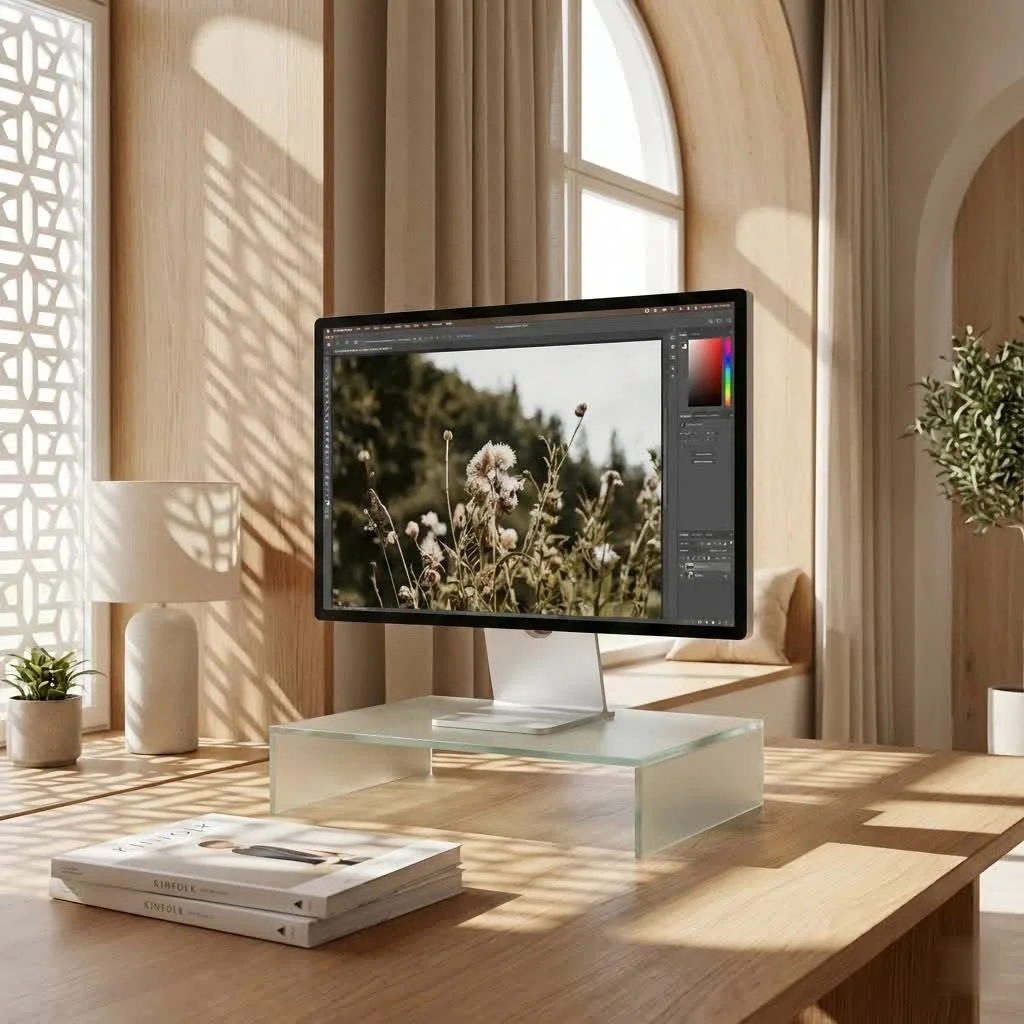
What Exactly Constitutes a “Big Computer Monitor”?
When we talk about a big computer monitor, we’re generally referring to displays that measure 27 inches or more diagonally. This category has expanded significantly, now encompassing everything from standard 16:9 aspect ratio screens to expansive ultrawide (21:9) and super ultrawide (32:9) behemoths.
Understanding Screen Sizes and Aspect Ratios
The diagonal measurement tells you the raw size, but the aspect ratio dictates the monitor’s shape and how that space is utilized. A traditional 16:9 big computer monitor, like a 32-inch 4K display, offers more vertical and horizontal screen real estate compared to a smaller 16:9 monitor. Ultrawide monitors, typically starting around 34 inches, stretch horizontally, providing a panoramic view that can be equivalent to two smaller monitors side-by-side, but without the annoying bezel in the middle. Super ultrawides take this even further, often matching the width of two 27-inch 16:9 monitors.
Beyond the Inches: When Does Big Truly Become “Big”?
It’s not just about the raw dimensions; it’s about the usable space. A 27-inch monitor might feel big if you’re upgrading from a 21-inch, but a 49-inch ultrawide truly redefines “big.” These larger formats unlock unprecedented multitasking capabilities and an immersive quality that smaller screens simply can’t match. However, the true benefit of a big computer monitor is only realized when paired with appropriate resolution, ensuring that pixels remain crisp and clear, rather than stretched and blurry.
The Undeniable Advantages of Going Large
The benefits of a big computer monitor extend across nearly every computing activity, from mundane daily tasks to intense creative endeavors and immersive entertainment.
Boosting Productivity and Multitasking
For professionals, a big computer monitor is a productivity powerhouse. Imagine having multiple applications open side-by-side without constant alt-tabbing. Designers can view their entire canvas, developers can see more lines of code, and data analysts can spread out large spreadsheets. This increased screen real estate means less time managing windows and more time focused on your actual work, streamlining workflows and reducing cognitive load. “With a larger display, you’re not just getting more pixels; you’re gaining a more efficient canvas for your thoughts and tasks,” notes Dr. Anya Sharma, a renowned ergonomics and productivity expert.
Immersive Entertainment and Gaming
|
Our Picks for the Best Computer Monitor in 2026
As an Amazon Associate I earn from qualifying purchases.
|
||
| Num | Product | Action |
|---|---|---|
| 1 | LG HDMI(2), DP, RS232C in/Out, RJ45 in,IR I |

|
| 2 | acer 27 Inch Monitor- KB272-27 Inch FHD IPS (1920 x 1080) Display, Up to 120Hz Refresh Rate, 99% sRGB, Tilt, Adaptive-Sync Support (FreeSync Compatible) 1ms (VRB), HDMI & VGA Ports |
|
| 3 | Samsung 24” (S40GD) Borderless Business Monitor with IPS Panel, 100Hz Refresh Rate, Eye Saver Mode, Ergonomic Design, Game Picture Mode, LS24D402GANXGO, 3 Yr Warranty |
|
| 4 | Samsung 27\\\" Essential S3 (S36GD) Series FHD 1800R Curved Computer Monitor, 100Hz, Game Mode, Advanced Eye Comfort, HDMI and D-sub Ports, LS27D366GANXZA, 2024 |
|
| 5 | Philips 221V8LB 22 inch Class Thin Full HD (1920 x 1080) Monitor, 100Hz Refresh Rate, VESA, HDMI x1, VGA x1, LowBlue Mode, Adaptive Sync, 4 Year Advance Replacement Warranty |
|
| 6 | Philips New 27-inch Class Thin Full HD (1920 x 1080) 100Hz Monitor, VESA, HDMI x 1, VGA Port x1, Eye Care, 4 Year Advance Replacement Warranty, 271V8LB, Black |
|
| 7 | Amazon Basics 24 Inch (23.8 inch viewable) Monitor, FHD 1080P, Max 100Hz, VESA Compatible, Built-in Speakers, Black |
|
| 8 | MAFNKOU Portable Monitor Touchscreen 14” 1920 * 1200P Gaming Display,Built-in Stand Speakers HDR IPS External Monitor for Laptop Portable,Travel Monitors for Laptop Mac PC Phone PS4/5 Xbox Switch |
|
| 9 | Samsung 32-Inch Flat Computer Monitor, 75Hz, Borderless Display, AMD FreeSync, Game Mode, Advanced Eye Care, HDMI and DisplayPort, LS32B304NWNXGO, 2024 |
|
| 10 | Samsung 27\\\" S3 (S32GF) FHD High Resolution 120Hz Monitor with IPS Panel, Flicker Free, Eye Saver Mode, LS27F320GANXZA, 2025 |
|
For gamers and multimedia enthusiasts, a big computer monitor is a gateway to unparalleled immersion. Ultrawide and super ultrawide monitors envelop your peripheral vision, pulling you deeper into game worlds and cinematic experiences. Games supporting wider aspect ratios offer an expanded field of view, giving you a competitive edge and a breathtaking sense of scale. High refresh rates and low response times, often found in larger gaming monitors, ensure buttery-smooth motion, making every explosion, chase, or subtle detail incredibly vivid and responsive. Watching movies on an ultrawide monitor, especially those shot in cinematic 21:9, eliminates black bars, filling your entire vision with stunning visuals.
Enhanced Visuals for Creative Professionals
Graphic designers, video editors, and photographers can especially appreciate the detail and color accuracy offered by a high-resolution big computer monitor. A larger screen allows for a more comprehensive view of timelines, intricate designs, and high-resolution images, minimizing the need to zoom in and out. Combined with excellent color gamut coverage and factory calibration, these monitors ensure that your creative vision is displayed with utmost fidelity, making them indispensable tools for precision work.
Key Considerations Before Investing in a Big Monitor
While the allure of a big computer monitor is strong, a thoughtful approach ensures you pick the right one for your needs and space.
Resolution and Pixel Density: A Crucial Pairing
Size alone isn’t enough; resolution is paramount. A 32-inch monitor, for instance, generally requires at least a QHD (2560×1440) resolution for a crisp image, but a 4K (3840×2160) resolution is often recommended for exceptional clarity and detail, especially at typical desktop viewing distances. Going larger, like a 43-inch or 49-inch display, necessitates 4K or even 5K resolutions to maintain sufficient pixel density and prevent a “pixelated” appearance. A high pixel density ensures text is sharp and images are finely detailed, preventing eye strain over long periods.
Desk Space and Ergonomics: Don’t Cramp Your Style
A big computer monitor demands generous desk space. Before purchasing, measure your desk to ensure it can accommodate the monitor’s footprint and allow for a proper viewing distance. For a large ultrawide (34 inches or more), a viewing distance of 31-39 inches (80-100 cm) is often recommended to minimize head movement and eye strain. Ensure your desk is deep enough or consider a monitor arm for greater flexibility. Proper ergonomic setup is critical; the top third of the screen (for ultrawides) or the top edge (for standard monitors) should be at or slightly below eye level, with a slight backward tilt (10-20 degrees).
Panel Technology: IPS, VA, or the Allure of OLED?
The choice of panel technology significantly impacts your viewing experience:
- IPS (In-Plane Switching): Known for superior color accuracy and wide viewing angles, making them excellent for creative professionals and general use.
- VA (Vertical Alignment): Offers higher contrast ratios and deeper blacks than IPS, ideal for immersive movie watching and gaming, though viewing angles can be slightly less consistent.
- OLED (Organic Light Emitting Diode): The premium choice, delivering perfect blacks, infinite contrast, and incredibly vibrant colors. OLED panels are gaining popularity in big computer monitor formats for their unparalleled image quality, especially for gaming and HDR content.
Refresh Rate and Response Time: Gamers, Pay Attention!
For gaming, these two specifications are non-negotiable.
- Refresh Rate: Measured in Hertz (Hz), this indicates how many times the screen updates per second. Higher refresh rates (144Hz, 240Hz, or even higher) result in smoother motion and a more fluid gaming experience.
- Response Time: Measured in milliseconds (ms), this is how quickly pixels can change color. Lower response times (1ms GtG – Gray-to-Gray) reduce motion blur and ghosting, crucial for fast-paced competitive gaming.
Connectivity and Features You Can’t Live Without
Modern big computer monitor options come packed with connectivity and features:
- USB-C: A single cable can provide video, data, and power delivery (charging your laptop).
- KVM Switch: Allows you to control multiple computers with a single keyboard, mouse, and monitor setup.
- Picture-by-Picture (PbP) / Picture-in-Picture (PiP): Display multiple video inputs simultaneously.
- HDR (High Dynamic Range): Enhances contrast and color vibrancy for compatible content.
- Adaptive Sync (FreeSync/G-Sync): Synchronizes the monitor’s refresh rate with your graphics card’s frame rate, eliminating screen tearing.
Is a Big Computer Monitor Right for You?
Considering a big computer monitor is a significant decision. Let’s tackle some common questions to help you decide.
Who benefits most from a big computer monitor?
Professionals needing extensive screen real estate for multitasking (e.g., coders, graphic designers, video editors), avid gamers seeking immersive experiences, and multimedia enthusiasts who appreciate cinematic views all stand to benefit greatly.
What resolution is best for a large monitor?
For monitors 27-32 inches, QHD (1440p) is a good balance, but 4K (2160p) offers superior clarity. For anything larger (34 inches and up), 4K or higher (like 5K or ultrawide equivalents) is essential to maintain sharp image quality and pixel density.
How far should you sit from a big monitor?
The general recommendation is about an arm’s length (20-40 inches or 51-100 cm). For very large or ultrawide monitors, extending that distance slightly (30-40 inches or 76-100 cm) can help reduce excessive head movement and eye strain.
Tips for Optimizing Your Big Monitor Experience
Getting a big computer monitor is only half the battle; optimizing its setup is crucial for comfort and performance.
Proper Setup and Viewing Distance
Beyond just placing it on your desk, ensure your monitor is positioned directly in front of you. Adjust the height so your eyes naturally fall to the top third of the screen, and maintain the recommended viewing distance. Use a monitor arm if your desk isn’t deep enough or if you need more flexibility for height and angle adjustments.
Cable Management and Power Solutions
Larger monitors often come with more cables for power, video input, and USB hubs. Invest in good cable management solutions (ties, sleeves, channels) to keep your workspace tidy and hazard-free. Consider a power strip with surge protection to safeguard your investment.
Software and Display Settings
Don’t forget to optimize your operating system’s display settings. Adjust scaling to ensure text and icons are legible without being too large or too small. Utilize built-in monitor software for custom picture modes, color profiles, and features like picture-in-picture. For ultrawide monitors, consider using window management software that helps snap applications into efficient layouts.
Frequently Asked Questions (FAQ)
What is the ideal size for a big computer monitor?
There’s no single “ideal” size; it depends on your needs and desk space. For a balance of productivity and gaming, 27-32 inches (16:9) or 34-38 inches (ultrawide) are popular. For extreme multitasking or immersive simulation, 43-49 inch super ultrawides are excellent.
Do big monitors cause more eye strain?
Not necessarily. If a big computer monitor is set up ergonomically (correct height, distance, and tilt) and has an appropriate high resolution, it can actually reduce eye strain by providing a larger, clearer view, minimizing the need to squint or constantly refocus. Taking regular breaks, like the 20-20-20 rule, also helps.
Are ultrawide monitors considered “big” computer monitors?
Absolutely! Ultrawide monitors, especially those 34 inches and above, are definitely categorized as big computer monitor options. They offer a unique advantage of extended horizontal screen real estate, ideal for panoramic views and multitasking without bezels.
Can my graphics card handle a big, high-resolution monitor?
Driving a big computer monitor at high resolutions (like 4K) and high refresh rates requires a capable graphics card. Check your GPU’s specifications to ensure it can output to your desired resolution and refresh rate, especially if you plan on gaming. Older or entry-level cards might struggle, leading to lower frame rates.
What’s the difference between a big monitor and a TV?
While TVs can be used as monitors, dedicated big computer monitor options are optimized for desktop use. They typically offer higher pixel density, faster response times, higher refresh rates, better ergonomic stands, and more specific input options (like DisplayPort) that are crucial for productivity and gaming.
How much should I budget for a quality big computer monitor?
Prices for quality big computer monitor options can range significantly. You can find decent 27-32 inch QHD monitors from a few hundred dollars, while high-end 4K, ultrawide, or OLED displays with advanced gaming features can easily run upwards of $800 to $2000+. Budget based on your primary use case and desired features.
Conclusion
Embracing a big computer monitor is more than just expanding your desktop; it’s about expanding your possibilities. Whether you’re a professional craving more workspace, a gamer seeking ultimate immersion, or a creative mind demanding pixel-perfect detail, the right large display can profoundly enhance your digital life. By understanding the key factors from resolution and panel type to ergonomics and connectivity, you can confidently choose a monitor that not only fits your needs but truly elevates your entire computing experience. So, are you ready to go big and never look back? We at Sbinj.com believe you’ll love the view!
Get our weekly buyer guide
Practical specs, not advice. Unsubscribe anytime.